This is the long version of the guardrails in the main story. Handing your phone to an AI agent at 2 a.m. with your payment apps logged in sounds like a bad idea. It is, without rules. These were mine.
The rules
Written down before anything else
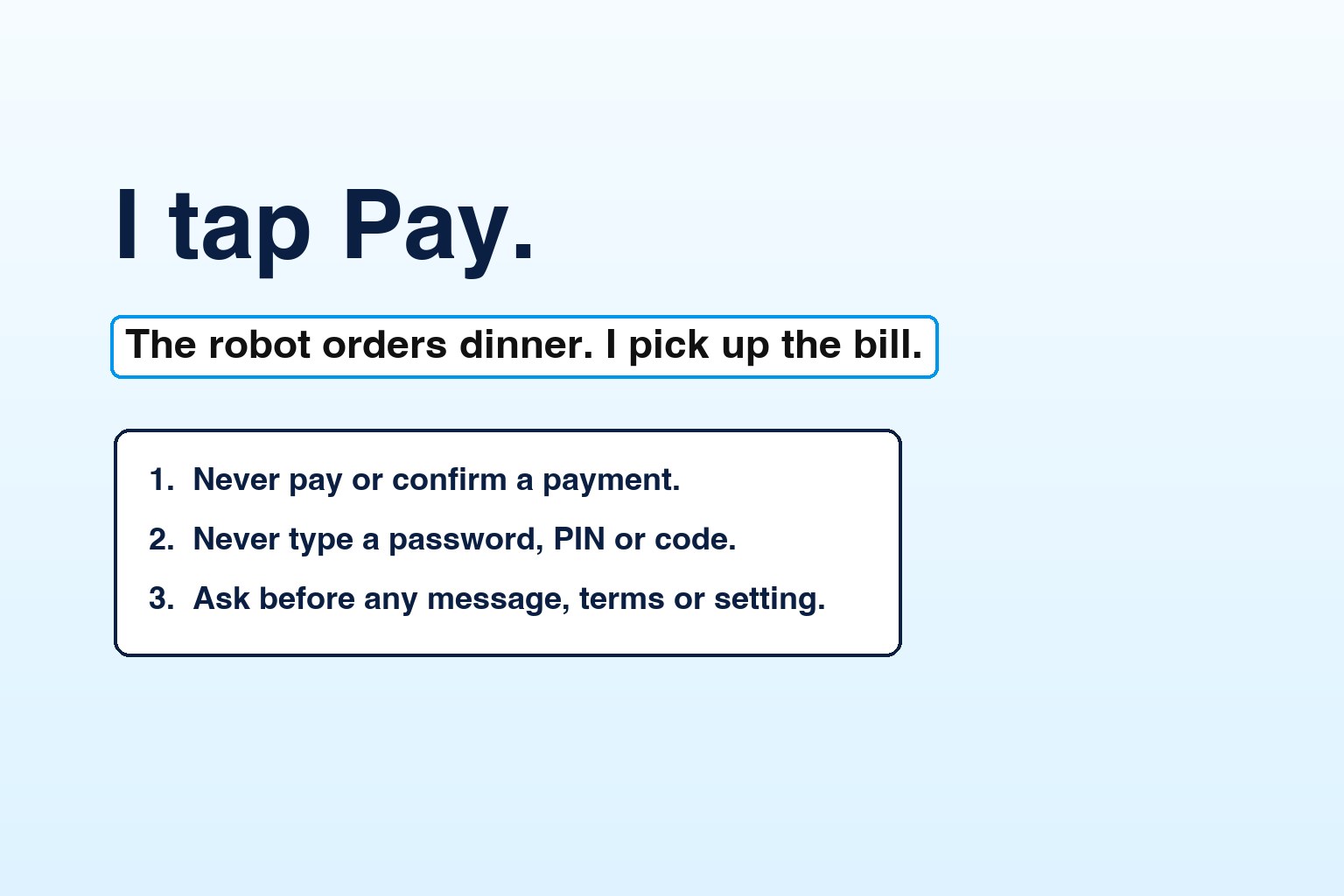
- Never place an order, pay, or confirm a payment.
- Never type a password, PIN or verification code.
- Ask me before sending any message, accepting any terms or changing any setting.
Stop at checkout and show me the summary. I tap Pay myself.
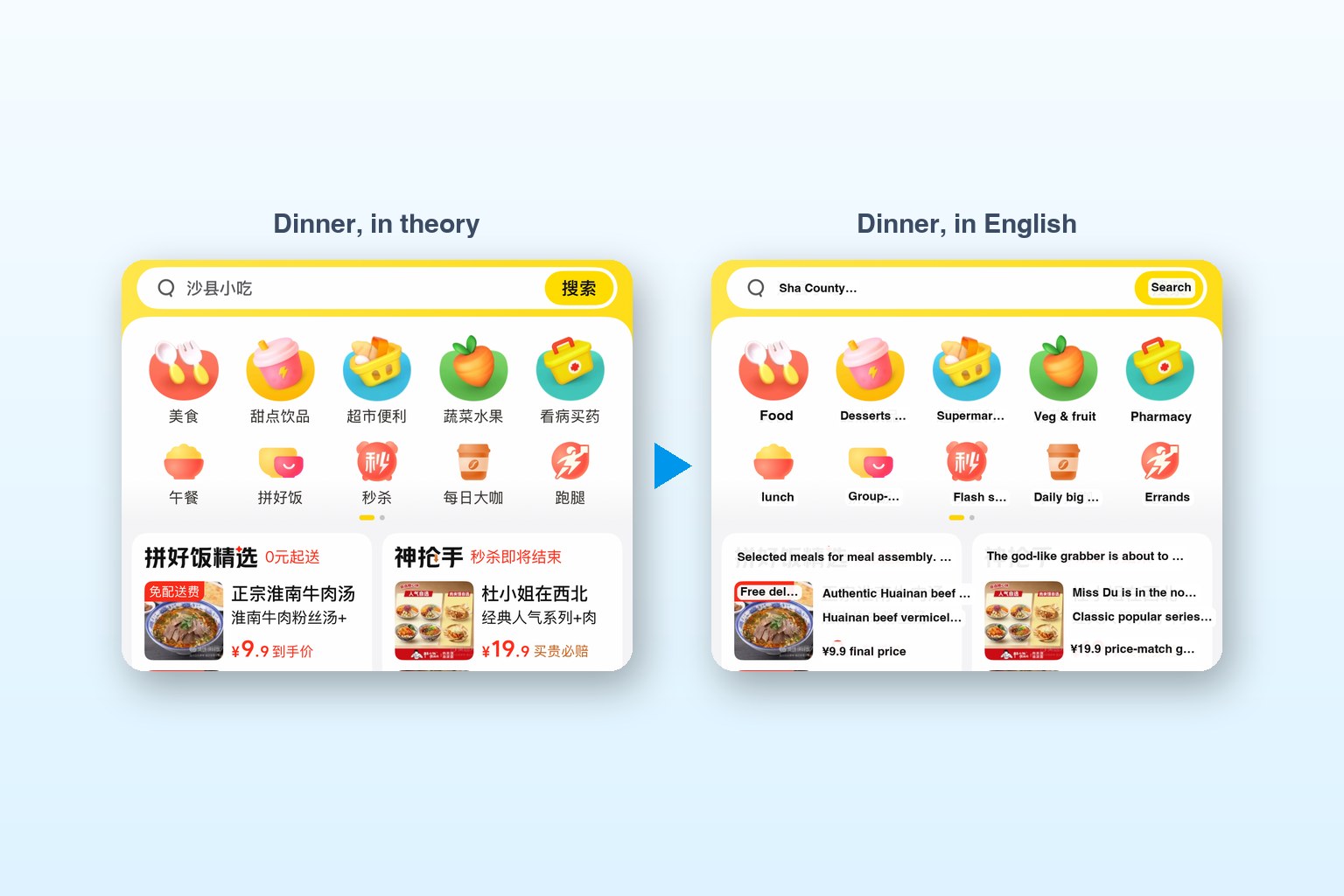
A fourth one I added for comfort: on any Chinese screen, give me a short English summary and say what each important button does. If I can't read the screen, I want to know what I'm agreeing to.
Why these four? They line up with what can't be undone. Money leaves. Codes and passwords prove it's me. Messages and terms speak for me. Settings change the phone after the session ends. Everything else, reading, scrolling, searching, filling a cart, opening an option sheet, is reversible, so the agent could do it freely.
In practice
The moments that tested them
- A surprise phone call. Tapping the tea shop's support button opened a "Call 400…" prompt. The agent cancelled it instead of dialling.
- A surprise app. A mis-tap opened a ride-hailing app on a terms-and-login screen. It backed out without agreeing to anything.
- A passport, handed back. Alipay's human agent asked for the last four characters of my passport. The agent stopped and gave me the phone.
- Every message approved. Each complaint to Alipay's bot was text I'd read first. The chat cuts messages at about 300 characters, so the agent split long ones.
- The robot thumb hit backspace. With the keyboard up, the layout shifted and its tap on Send landed on delete, so messages lost their last letter. It noticed, worked out why, and started reading the text back and closing the keyboard before every Send.
- Sharing my details. Lucy asked if she could pass my order and contact details to the merchant. That's a decision about my data, so the agent asked me first.
- One setting changed, on request. I asked it to turn off Auto-Lock for the session. It noted the old value and put it back afterwards. When Low Power Mode blocked the change, it asked before touching that too.
- It checked its own cart. Before stopping at checkout, it read the cart back against my menu picks and caught a sticky rice cake I never ordered and a missing youtiao.
- It asked, even about kelp. A "no kelp" note to the shop was harmless, but it was still a message, so it asked. I said no.
- A 30% sugar note, with permission. The app only offered 70% sugar on one tea. It suggested a note to the shop in Chinese, I approved the wording, and the shop followed it.
- Never near Pay. It filled carts and stopped at checkout, every time. I tapped Pay.
Human in the loop
The menu-to-cart handoff
The neatest part of the setup was how my choices got to the agent. Instead of me typing "two hulatang, two youtiao" into a chat, the agent built an English menu page with photos and plus and minus buttons. My picks were saved where the agent could read them back. So the flow was:
Two human steps, both about intent: what I want, and whether to pay for it. Everything in between is the boring part, and that's the part to automate.
What I'd tell a team
Lessons
- Rules first, then freedom. Once the irreversible actions were fenced off, I could let the agent do everything else without watching every tap.
- Make the agent read before it acts. Most of the near-misses were layout surprises, not bad judgement. Reading the screen again before a tap that matters fixed nearly all of them.
- Keep a human on the button that matters. The agent did the work. I tapped Pay. That split felt right at 2 a.m. in Shanghai, and it's the same split we use for business processes at DocQ.
Back to the story: I Can't Read Chinese, So I Gave My iPhone to an AI and It Ordered Dinner
Anuj Sehgal · CEO, DocQ
He builds AI agents for documents and business processes, and occasionally for dinner. Say hello on LinkedIn.