The Volume Problem
Getting a job offer takes the average candidate 100 to 200 applications. That's a staggering amount of effort on the candidate side — and it creates an equally staggering workload on the recruiter side.
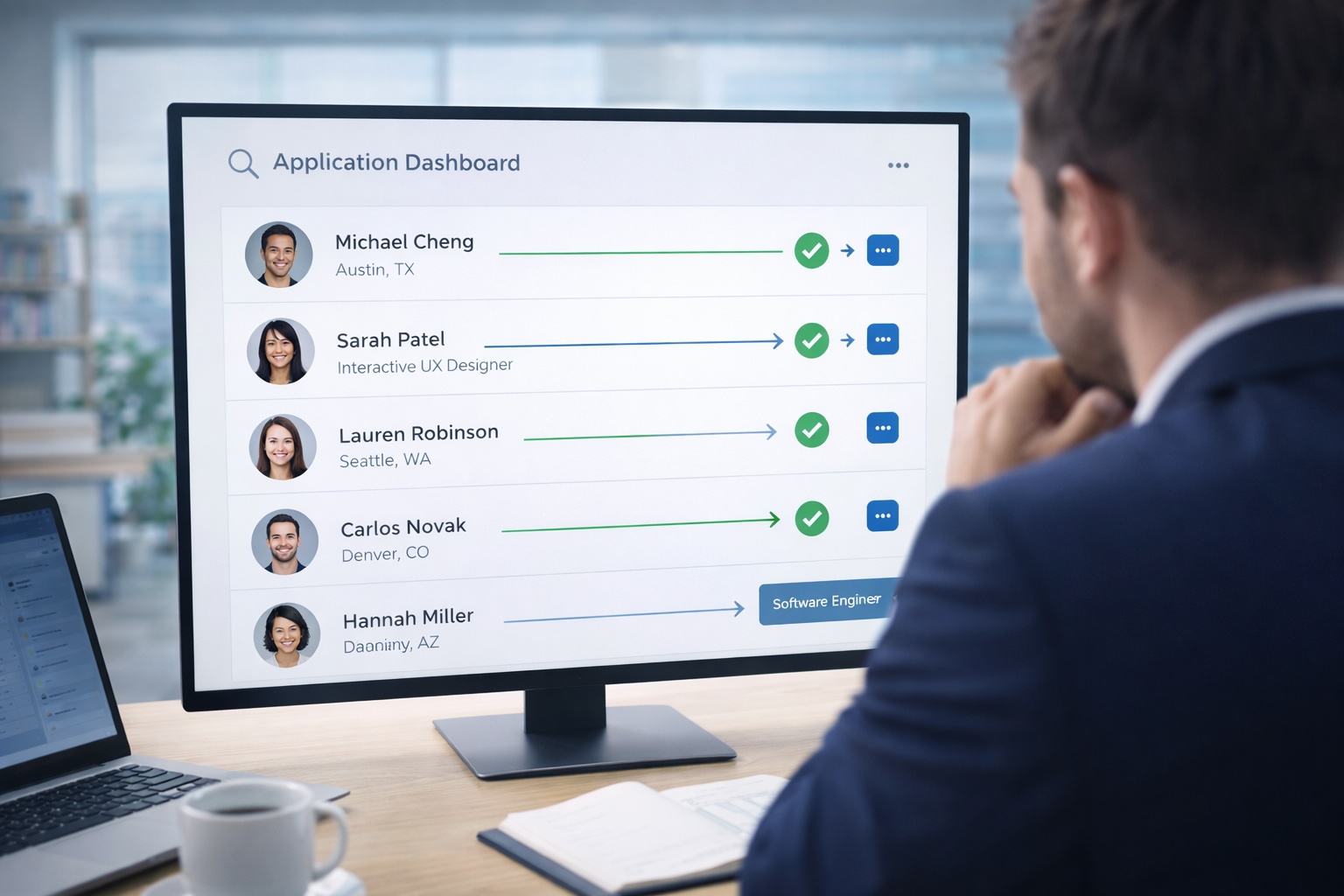
The problem is compounding. Tech-savvy job seekers now use automated bots to submit applications at scale, flooding recruiter inboxes with applications from candidates who may not meet basic requirements. The result is a hiring funnel that's wide at the top but inefficient throughout: recruiters spend hours reviewing applications that should never have made it past the first screen.
Screening questions — deployed early, delivered digitally, and evaluated automatically — are the most effective tool for solving this. But only if they're implemented thoughtfully.
Two Types of Screening Questions
Not all screening questions serve the same purpose. Understanding the distinction between eligibility and performance questions is essential for building a screening process that's both efficient and fair.
Eligibility Questions: Hard Requirements
These are binary. The candidate either meets the requirement or they don't. There's no room for interpretation, which makes them ideal for automated evaluation:
- Work authorization — "Are you legally authorized to work in this country?" A candidate who isn't authorized is disqualified regardless of their qualifications.
- Start date feasibility — "Can you begin work within 30 days of an offer?" If the role needs to be filled urgently, a candidate who can't start for three months isn't viable.
- Compensation expectations — "Is the salary range of $X–$Y acceptable?" Misaligned compensation expectations waste everyone's time.
- Location requirements — "Are you able to work on-site at our [City] office?" For roles that require physical presence.
Eligibility questions should be asked first. They eliminate candidates who can't meet non-negotiable requirements before the recruiter invests any time reviewing their application.
Performance Questions: Qualitative Assessment
These questions assess whether a candidate has the background, skills, and experience to succeed in the role. They require more nuance:
- Educational credentials — "Do you hold a degree in [field] or equivalent experience?"
- Certifications — "Do you hold [specific certification]?" (CPA, PMP, AWS Solutions Architect, etc.)
- Relevant experience — "How many years of experience do you have in [skill/domain]?"
- Technical skills — "Rate your proficiency with [tool/technology] on a scale of 1–5."
Performance questions are scored rather than pass/fail. A candidate might not have the preferred certification but could have equivalent experience. The screening system should flag these for human review rather than automatically disqualifying.
When and How to Deploy Screening Questions
Timing: As Early as Possible
The earlier screening questions appear in the process, the more time they save. The ideal placement is within the application itself or as an immediate next step after submission. Every day that passes between application and screening is a day the recruiter might waste on a candidate who doesn't qualify.
Delivery: Digital, Device-Agnostic
Candidates apply from phones, tablets, and laptops. Screening forms must work on all of them. A form that requires a desktop browser or a specific app creates friction that drives qualified candidates away — the exact opposite of the goal.
Evaluation: Automated Decision Logic
This is where the real leverage is. A well-configured decision engine evaluates screening responses automatically using conditional branching:
- Eligibility failures → automatic, immediate rejection with a professional notification
- Strong performance scores → automatic progression to the next stage (interview scheduling, skills assessment, etc.)
- Borderline scores → flagged for recruiter review with the specific responses highlighted
The key word is "conditional." The routing logic should be configurable by the recruiting team without developer involvement. Different roles have different requirements, and the screening criteria need to be easy to update as roles evolve.
Automating the Full Screening Workflow
Screening questions are most effective when they're part of a connected workflow rather than an isolated form:
- Application received → screening form automatically distributed to candidate
- Responses evaluated → decision engine routes candidates based on answers
- Disqualified candidates → professional rejection email sent automatically, promptly, and respectfully
- Qualified candidates → interview scheduling initiated automatically, with calendar integration
- Status updates → candidates receive automated notifications at each stage so they're never left wondering
This end-to-end automation transforms the candidate experience. Instead of the black hole that most applicants experience — apply, wait weeks, hear nothing — candidates get prompt, clear communication at every step. That matters for employer brand, even with candidates who don't get the job.
The Dual Benefit
Well-implemented screening automation serves two audiences simultaneously:
For recruiters: the unqualified application pile shrinks dramatically. Time previously spent on initial reviews shifts to deeper engagement with candidates who've already passed the first filter. The quality of the recruiter's workday improves alongside the quality of the candidate pipeline.
For candidates: the process is faster, clearer, and more respectful. Prompt rejections are better than weeks of silence. Automated status updates are better than uncertainty. And candidates who do qualify move through the pipeline faster, reducing the risk that they accept another offer while waiting.
The organizations that get screening right don't just hire faster. They build a reputation as employers who respect candidates' time — which attracts better candidates in the first place.