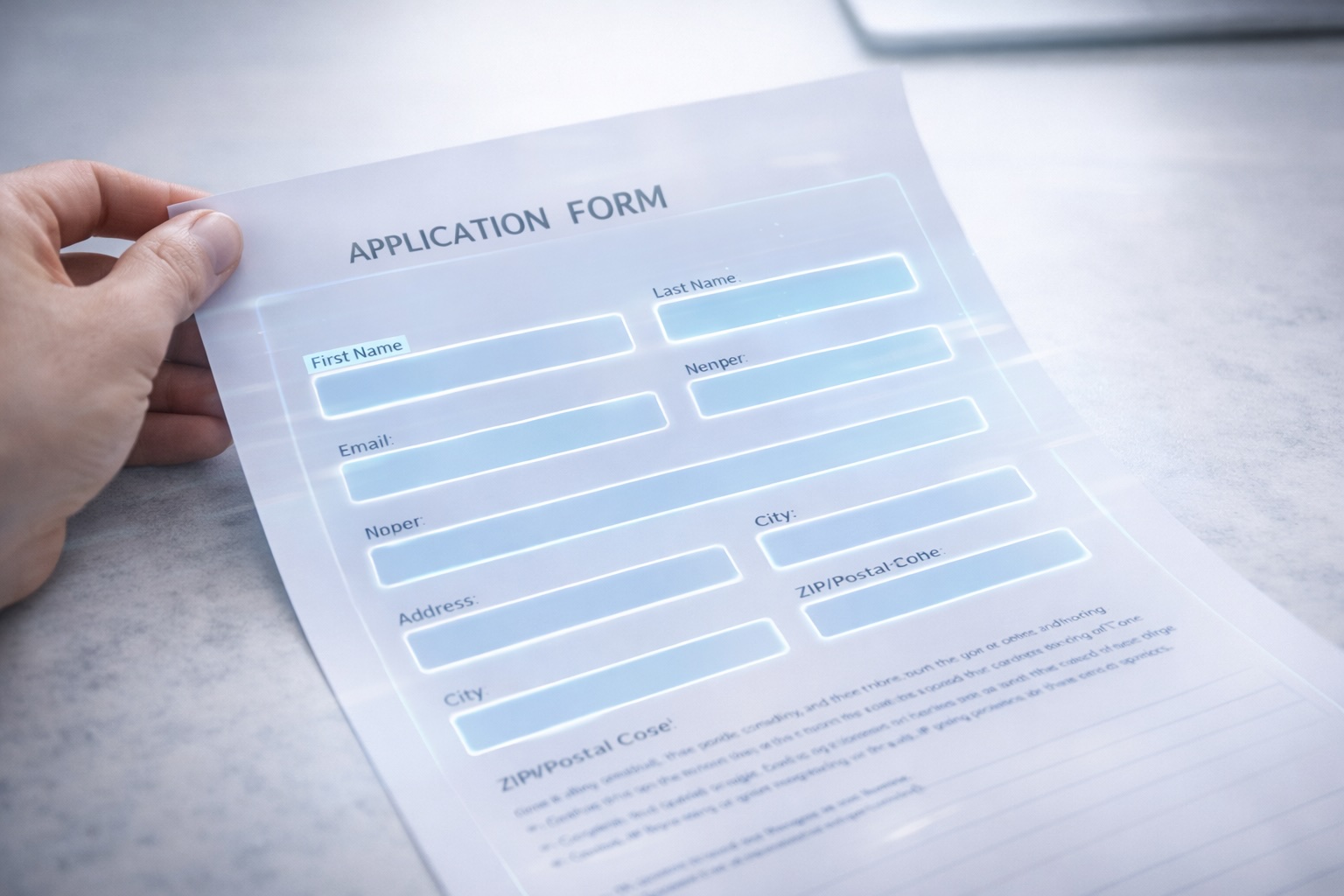
The Blank Canvas Problem
Every form builder on the market starts the same way: a blank canvas. You drag and drop fields, label them, arrange them, style them, add validation rules, and eventually produce something that looks nothing like the paper form your team has been using for years.
That process works fine if you're building something from scratch. But most organizations aren't. They already have forms — hundreds of them. HR intake forms, compliance checklists, vendor applications, patient registration packets, internal purchase requests. These forms exist as PDFs, Word documents, or scanned paper. They've been through legal review. They follow regulatory formatting requirements. People are familiar with them.
Rebuilding each one from scratch in a drag-and-drop form builder is a project in itself. A single complex form — say, a multi-page employee onboarding packet with conditional sections, signature blocks, and compliance disclosures — can take a week to rebuild manually. Multiply that by the dozens or hundreds of forms an operations team manages, and you're looking at months of work before the first form goes live.
This is why most digital transformation efforts around forms stall. The gap between "we have a form builder" and "all our forms are digital" is enormous, and it's filled with tedious manual reconstruction.
Starting With What You Already Have
DocQ takes a different approach. Instead of starting with a blank canvas, you start with your existing document. Upload a PDF — any PDF — and the AI analyzes the document structure, detects every field, classifies each field by type, and generates a live digital form that preserves the layout and logic of your original.
The result is a working form in minutes, not days. The same compliance checklist that took your team a week to manually rebuild in another tool is ready for review almost immediately after upload.
This matters because it removes the single biggest barrier to digitizing paper-heavy processes: the reconstruction effort. When the cost of digitizing each form drops from days to minutes, the calculus changes entirely. It becomes practical to digitize everything — not just the five highest-priority forms, but the entire library.
How AI Field Detection Works
The process from PDF upload to live form happens in four stages. Understanding each stage explains why the output is accurate enough to use with minimal manual adjustment.
Stage 1: Document Parsing. The AI first analyzes the raw document structure — text layers, image regions, line positions, spacing patterns. For native PDFs (generated digitally), this extracts precise coordinate data for every element on the page. For scanned documents, OCR runs first to convert the image into parseable text and layout data.
Stage 2: Field Boundary Detection. Using the parsed layout, the AI identifies regions that represent fillable fields. It looks for visual cues that humans instinctively recognize: blank lines next to labels, boxes with empty interiors, rows of checkboxes, signature lines, date placeholders. The model understands that a horizontal line after "Employee Name" is a text input field, not a decorative element.
Stage 3: Type Classification. Each detected field is classified into a specific type:
- Text fields — names, addresses, free-form responses
- Date fields — hire dates, expiration dates, birth dates
- Dropdowns / select fields — when the document lists predefined options
- Checkboxes — for multi-select options, agreement confirmations
- Radio buttons — for single-select choices
- Signature fields — signature lines, initial blocks
- Numeric fields — quantities, amounts, identification numbers
The classification isn't just pattern matching. The AI uses contextual understanding — the label next to a field, its position within a form section, the document type — to make accurate type assignments. A field labeled "Date of Birth" gets classified as a date picker with appropriate validation, not a generic text input.
Stage 4: Form Generation. The classified fields are assembled into a live digital form. The form preserves the visual structure of the original document so that users filling it out see something familiar. Fields are grouped into logical sections matching the original layout, and basic validation rules are applied based on field types — date fields accept dates, email fields validate formatting, required fields are flagged.
What Happens After Detection
A detected form is immediately functional, but it's also fully editable. After the AI does the heavy lifting, you can refine the form without writing code:
- Add conditional logic — show or hide sections based on previous answers. If the applicant selects "Yes" for prior experience, expand the experience detail section. If they select "No," skip it.
- Build multi-step flows — break a long form into multiple pages with progress indicators, so users aren't overwhelmed by a 30-field single page.
- Set up progressive filling — pre-populate fields from existing data sources so returning users or internal staff don't re-enter information the system already knows.
- Embed anywhere — the finished form can be embedded on any webpage via iFrame, shared as a standalone link, or integrated directly into a DocQ workflow.
- Connect to workflows — form submissions can trigger downstream automation: route an approval, generate a document, send a notification, update a record in an external system.
All of this configuration happens through a visual interface. No code, no IT ticket, no development sprint.
Where Teams Use This
The use cases span every department that still touches paper or manually-built digital forms.
HR and People Operations — Employee onboarding packets, benefits enrollment forms, performance review templates, exit interview questionnaires. HR teams often manage dozens of form variants across different states, entities, or employment types. AI detection lets them digitize the entire library instead of picking favorites.
Healthcare and Patient Services — Patient intake forms, consent documents, insurance verification worksheets, HIPAA-compliant authorization forms. These forms are often format-sensitive because of regulatory requirements, making the preserve-the-layout approach especially valuable.
Procurement and Vendor Management — Vendor registration applications, W-9 collection, supplier qualification questionnaires, RFP response templates. Procurement teams can digitize their vendor intake process without redesigning forms that legal and compliance have already approved.
Compliance and Risk — Internal audit checklists, safety inspection forms, incident report templates, regulatory filing worksheets. Compliance teams need their forms to match specific regulatory formats — rebuilding them from scratch in a generic form builder risks introducing formatting that doesn't meet requirements.
Facilities and Operations — Work order requests, maintenance checklists, equipment inspection forms, space reservation requests. These high-volume, repetitive forms are ideal candidates for digitization because every paper instance represents a manual data entry task downstream.
No-Code Means Operations Owns It
The traditional path to digitizing forms runs through IT. An operations manager identifies the need, submits a request, waits for prioritization, works with a developer to spec the form, reviews a build, requests changes, and eventually gets a working form weeks or months later. By that point, the process has often changed.
DocQ's form builder is designed for the operations team directly. The person who understands the process — the HR manager, the compliance lead, the procurement director — is the person who uploads the PDF, reviews the detected fields, adjusts the logic, and publishes the form. No development backlog, no translation layer between business requirements and technical implementation.
This isn't just faster. It's more accurate. The person closest to the process makes the decisions about field types, validation rules, conditional logic, and workflow routing. They see immediately whether the digitized form matches the real-world process, and they can adjust it on the spot.
From One Form to an Entire Library
The real impact of AI field detection isn't any single form. It's the ability to approach form digitization as a library-wide initiative rather than a one-at-a-time project.
When each form takes minutes to digitize instead of days, teams can work through their entire backlog systematically. Upload the top 10 forms this week. Move to the next 20 the following week. Within a month, processes that relied on paper, email attachments, and manual data entry are running on live digital forms connected to automated workflows.
Each digitized form eliminates a set of manual tasks: printing, distributing, collecting, reading handwriting, keying data into systems, filing paper copies. Those tasks compound across every form instance, every day. An organization processing 500 paper forms per month across various departments isn't just saving time on form building — it's recovering thousands of hours of downstream manual work annually.
The starting point is simple: take the PDF you already have, and upload it.